
Criminal Court Cases in Randolph County
Randolph County has no separate municipal criminal court. District Court hears misdemeanors and infractions and conducts the first or preliminary stages of felony matters. Superior Court tries felony charges. Both divisions use the North Carolina General Court of Justice, and both are served locally by the Clerk of Superior Court. A city police arrest in Asheboro or Archdale can therefore produce a county court file even though the city agency created the incident report.
The official Randolph County court hub identifies the local calendars, forms, contacts, and court services. Its view also helps separate a case from records kept by the sheriff or a municipal police unit.
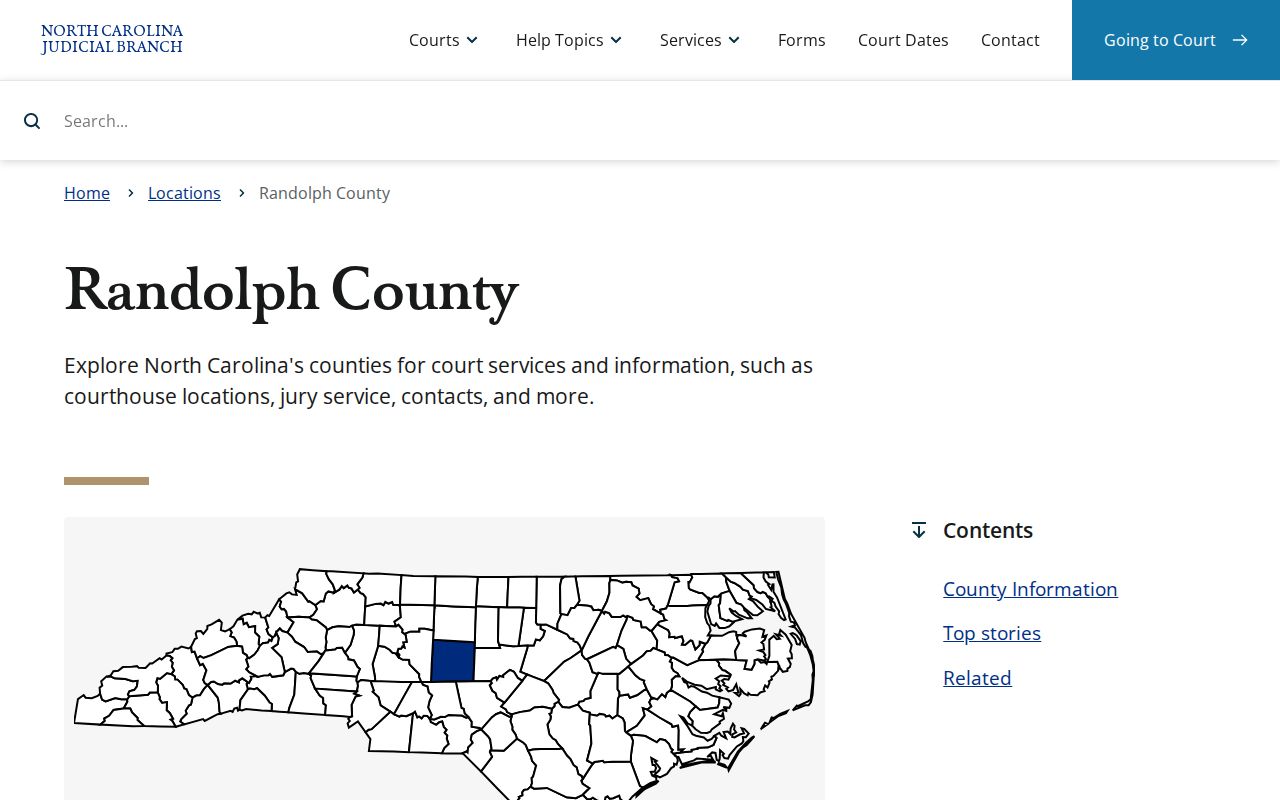
The county hub is the dependable starting point for local court operations, while the clerk remains the custodian of the filed record.
Randolph Court Charges by Division
The class of the charge points to the court division. North Carolina felonies run from Class A through Class I and belong in Superior Court for trial. Misdemeanors use Classes A1, 1, 2, and 3 and are heard in District Court. A felony may still appear on a District Court calendar at first because that court handles initial appearances and other early steps.
Use the Randolph criminal calendar and administrative schedule page to find local schedule links. Calendar placement is not a disposition. It only shows when and where a matter is set.
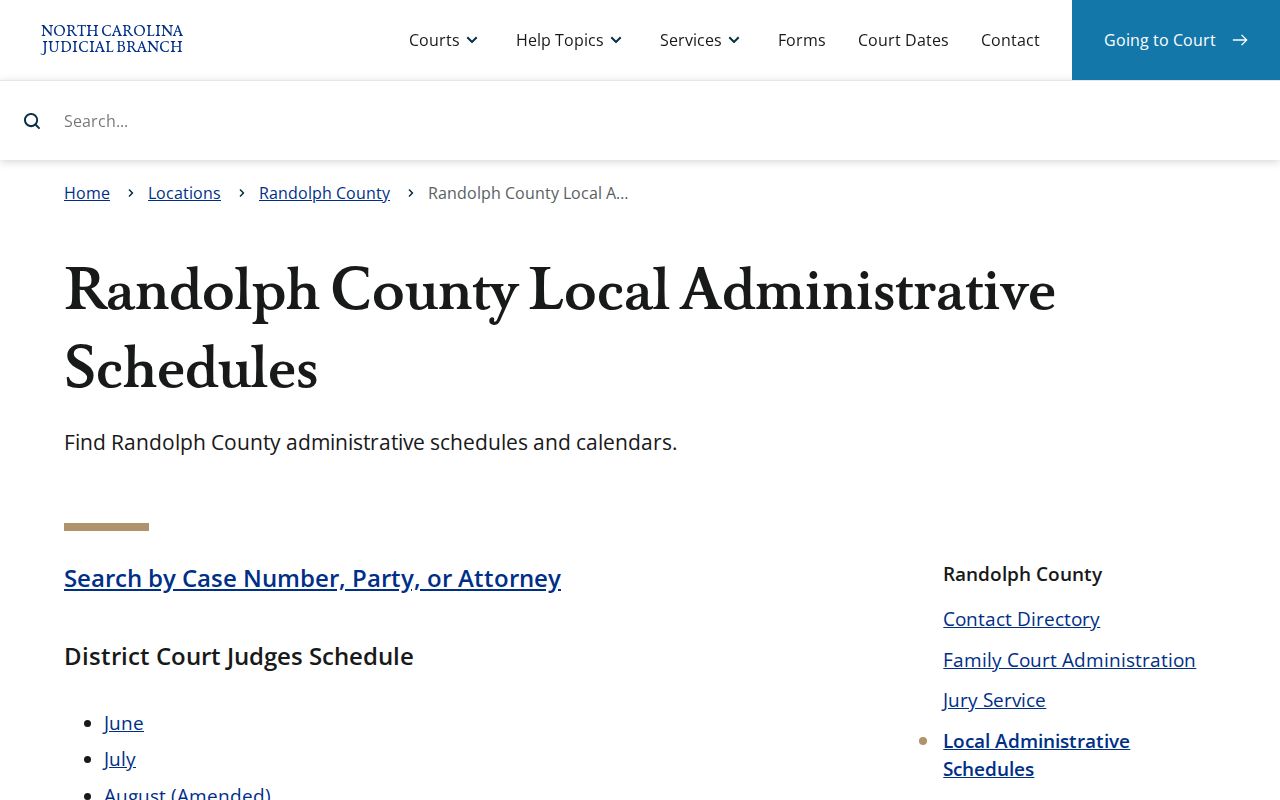
This schedule view provides context for a hearing entry found in a Randolph County criminal case record.
Randolph County Case Record Searches
North Carolina eCourts Portal supplies free public case summaries. It is the remote search channel for Randolph County criminal cases, but it is not a certified background-check product. Search by a full Enterprise Justice case number when possible. A party-name search works too, though names can produce several people or cases.
- Open Smart Search and enter the party name or the full case number.
- Confirm the Randolph location and compare non-sensitive identifiers before choosing a result.
- Open the Case Summary and Register of Actions, then read every charge as a separate line.
- Check hearings, events, status, judgment, and payment entries for the case chronology.
- Ask the Randolph Clerk for a public copy, certified document, older file, or statewide certified search when the result must be official.
The Portal interface and its main search modules are shown at the official public search source.
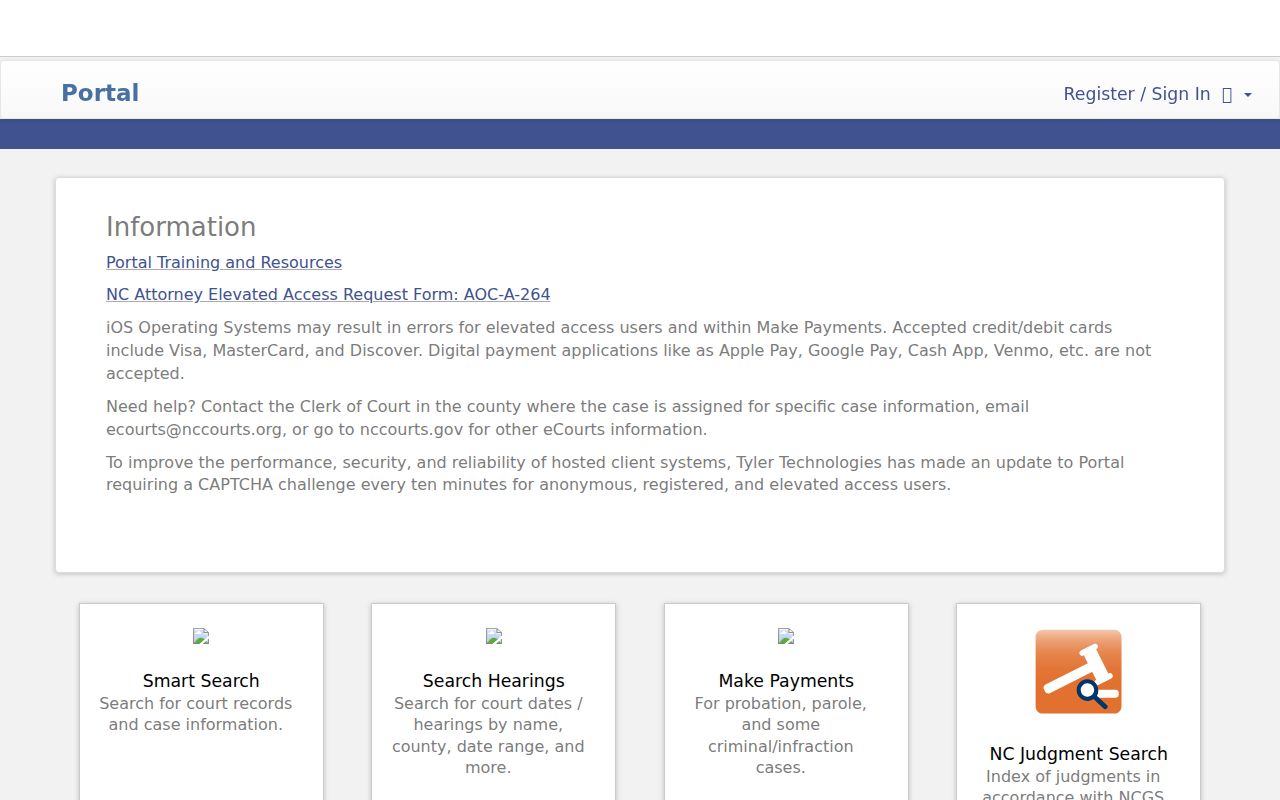
The public interface lets a reader move from a broad match to the docket detail needed for a careful case check.
| Field Label | Type | Required | Options or Notes |
|---|---|---|---|
| Smart Search | Module or tab | Yes | Search by party or case number |
| Search Criteria | Text | Yes | Name or case number; documented wildcard rules apply |
| Advanced Filtering Options | Expandable filters | No | Location, status, and case type vary by module |
| Search Hearings | Module | No | Filters hearing location, date, and time |
| NC Judgment Search | Module | No | Filters status, location, type, and judgment date |
| Make Payments | Module | No | Does not accept cash bonds or bond forfeitures |
| Search | Button | Yes | Runs the selected query |
Read Randolph Criminal Case Numbers
Newer Enterprise Justice references follow a pattern such as YYCR######-750. The first two digits identify the year, CR marks the criminal case type, the next six digits are the sequence, and 750 is the Randolph County identifier. That last piece is useful when a city crosses a county line or a name search returns cases from several places.
Wildcard searches have exact minimums. A case-number query needs at least four characters before the asterisk. A name query needs at least three last-name characters plus an asterisk and at least one first-name character plus an asterisk. The Judicial Branch publishes current syntax and module limits in its Portal training resources.
Those search rules reduce false no-match results caused by an incomplete name or malformed case reference.
Note: A booking record's court reference may appear before later charge wording or disposition data reaches the Portal summary.
What a Criminal Case File Contains
A case summary is organized around the filed court matter, not the arrest alone. It can show several counts with different outcomes. One charge may be dismissed while another results in judgment, so a single status label should never be applied to the whole file without reading each charge line and its related events.
| Case Number and Court | Enterprise Justice reference, location, division, filing date, type, and status. |
|---|---|
| Parties and Counsel | The State, defendant, public participant roles, and attorneys where access permits. |
| Charges | Count, description, statute, offense date, class, and amended, dismissed, or disposed status. |
| Docket Entries | A dated Register of Actions covering process, settings, pleas, verdicts, and judgments. |
| Hearing Dates | Hearing type, date, time, courtroom, and entered result when available. |
| Disposition and Judgment | The outcome for each charge and the judgment entered by the court. |
| Sentence and Finances | Sentence terms, costs, restitution, attorney fees, and payment status where public. |
| Documents | Availability varies by document and user access; certified copies come from the clerk. |
Randolph Case Summary or Certified Copy
Portal is fast and free for public information. The clerk provides the authoritative local file, public paper or electronic copies, and certification. A certified statewide North Carolina court-record search uses form AOC-CR-314 and costs $25. That service differs from printing an online summary and from obtaining one's fingerprint-supported record from the State Bureau of Investigation.
The Randolph County Courthouse is at 176 East Salisbury Street, Suite 201, Asheboro, NC 27203. Building hours are weekdays from 8 a.m. to 5 p.m.; the clerk counter is listed from 8:30 a.m. to 5 p.m. The courthouse bans cell phones, computers, multimedia devices, and cameras. Bring the case number on paper and plan to order copies instead of photographing a terminal.
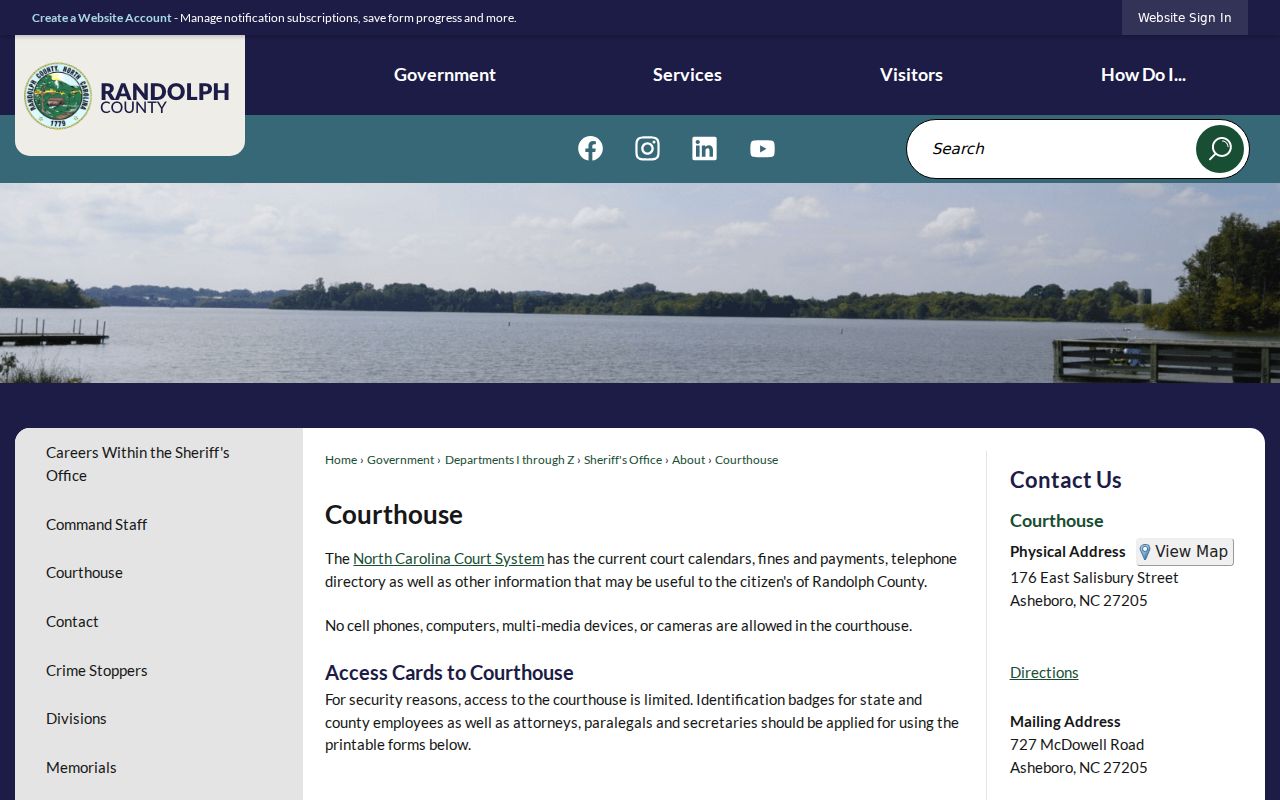
This courthouse is where local public terminals, paper files, certified copies, and the clerk's criminal record services come together.
Randolph Clerk of Superior Court
176 East Salisbury Street, Suite 201
Asheboro, NC 27203
336-328-3100
Counter: Monday-Friday, 8:30 a.m.-5 p.m.
Criminal Case Stages in Randolph County
A filed case does not remain fixed at the arrest label. The prosecutor may change, decline, or add charges. Hearings can be reset. A plea or trial resolves each count, and the court then enters the disposition and any judgment or sentence. The Register of Actions is the best public chronology because it places those events in date order.
Case flow: Charges Filed → Arraignment → Pretrial → Plea or Trial → Disposition → Sentencing
When a person moves from an arrest entry to the court record, compare the incident and court references. The broader Randolph County arrest search explains which agency owns the report and why the jail list is not the final outcome.
Randolph Criminal Cases After eCourts
Randolph County went live on Enterprise Justice in October 2024 as part of the state's Track 6 rollout. That change moved public searches toward eCourts Portal and courthouse terminals. North Carolina completed statewide deployment in all 100 counties on October 13, 2025. A Randolph search now sits within one statewide system, but the filing county and clerk still matter for paper files and certified copies.
The Judicial Branch eCourts overview documents the current statewide platform and online services. Older practices, forms, or case references may not behave like a new Enterprise Justice record. The Randolph clerk remains the right local contact when a Portal entry is old, absent, restricted, or insufficient.
Access Rules for Case Records
G.S. 7A-109 generally opens court records and indexes for public inspection unless a law or court order restricts access. Public views do not expose every piece of information. Social Security numbers, financial account data, protected victim or minor details, juvenile matters, sealed filings, and expunged cases may be removed or withheld.
Online absence has several possible causes. The search may use the wrong county or syntax, the case may be too new, an older file may require clerk review, or the record may be legally restricted. The Judicial Branch describes online searches, self-service terminals, paper inspection, and copies on its court-record access page. Ask for the public part of a file rather than assuming that one protected item closes the whole record.
Agency records follow a different rule. North Carolina Public Records Law addresses sheriff and police material, while the court index follows the court-record statute. A request for an arrest narrative sent to the clerk may be misdirected, just as a request for a filed motion sent to the sheriff will not reach the case custodian. Identify the document first, then use the office that created or maintains it.
When Randolph Court Records Are Missing
First, check the case number for the -750 county suffix and verify the location filter. Next, try the documented wildcard format or use the full name. If the file still does not appear, take the known date, charge, agency, and case reference to the clerk's self-service terminal. Public terminals can search defendant, case number, and victim or witness name.
The Randolph court contact directory lists the clerk and criminal calendar contacts. Call the main clerk line before a trip if a case is old or if a certified item is needed.
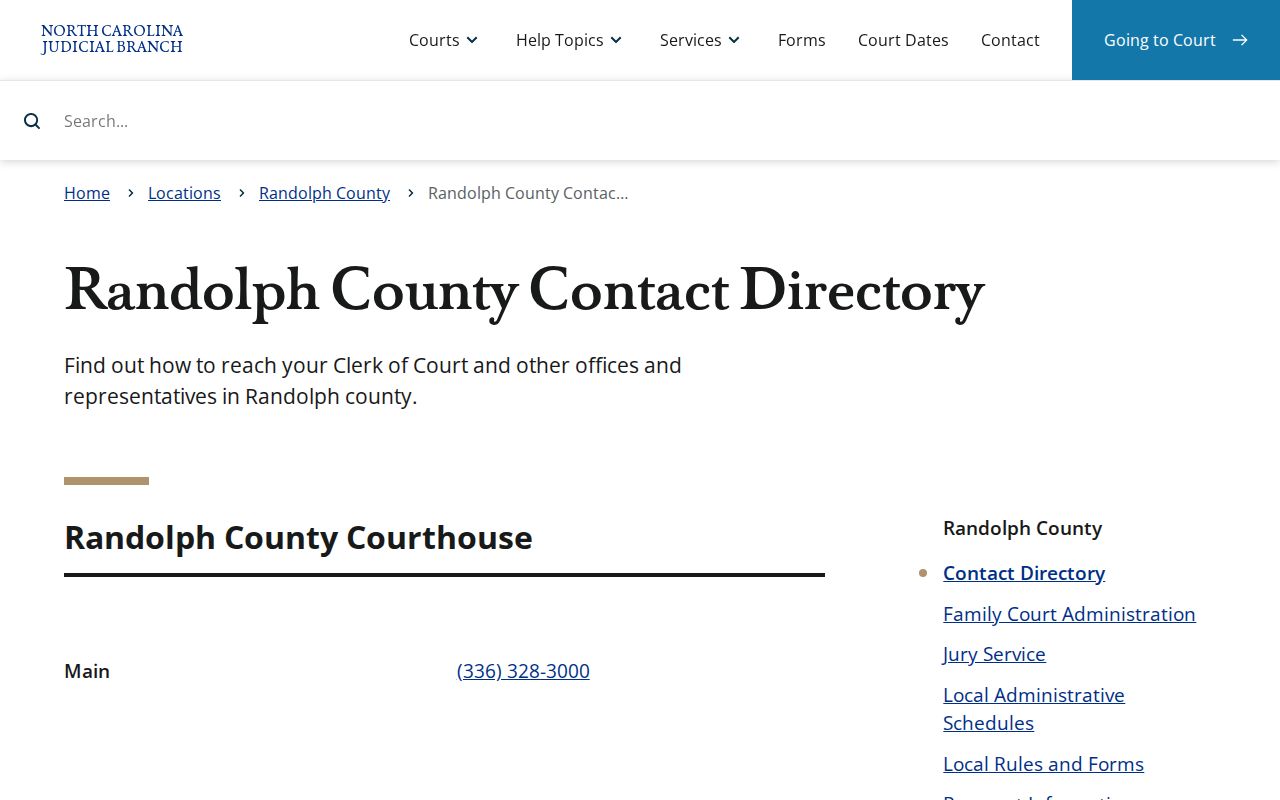
Direct clerk contact closes the gap between a public index and the actual Randolph County case file.
Note: A missing online result is not proof that no court file exists or that a protected record has been destroyed.